User’s Guide
Here are some screen shots of the application screens.
Keep a catalogue of all consumable parts
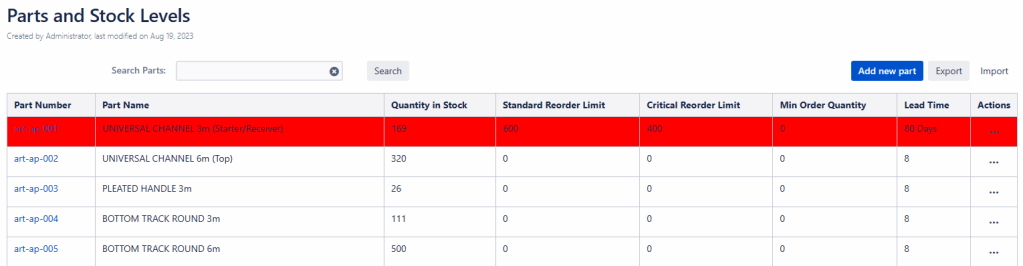
Keep list of preferred and recurring Suppliers

Print off QR Codes and employees scan the QR Code to remove stock for parts.

Features
- Track outgoing orders and received goods
- Get email warning when stock is low
- Get email warnings when orders do not arrive on time
- See visual warning in Confluence pages for low stock and stock on order.
 KC Integrations